

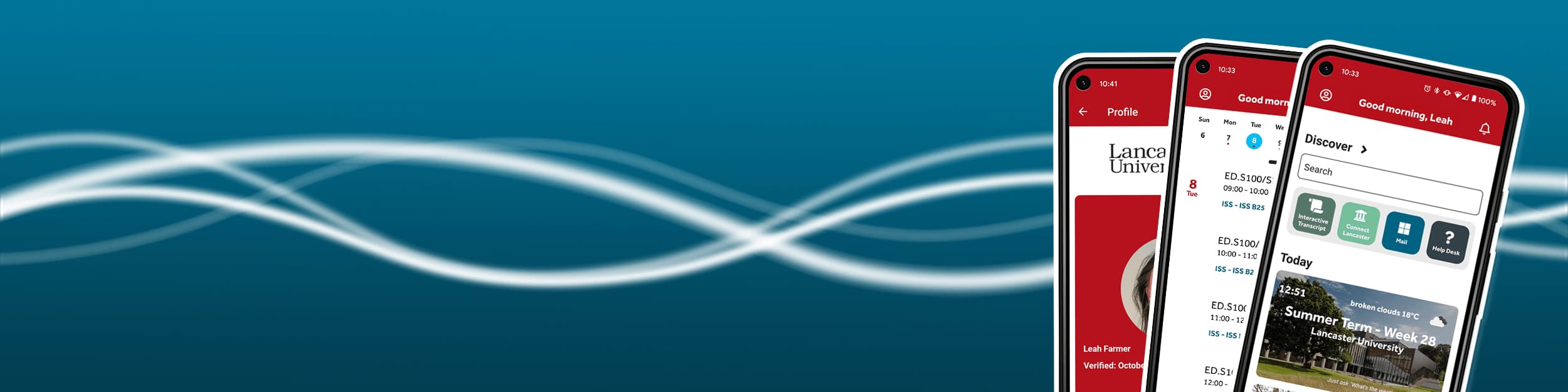


Phones displaying MyLU screens

iLancaster

The new iLancaster app for Lancaster University

What’s in iLancaster?

  • A 'Quick View' home screen to keep up-to-date about what’s happening in your Uni day.
  • Easy access to your timetable, notifications and check-in.
  • Maps to find shops, bus stops and launderettes as well as buildings and rooms on campus.
  • Ask L.U. for instant answers to questions about your academic life, campus life and social activities.
  • Information about you...and more.

How to get iLancaster

Get the iLancaster app for your mobile device, or access a lite version on the web.

Who can use iLancaster?

Students and staff - when logging in to the app enter your University username and password.

Applicants to Lancaster University - when logging in to the app enter the username and password you have been sent.

Student using mobile phone
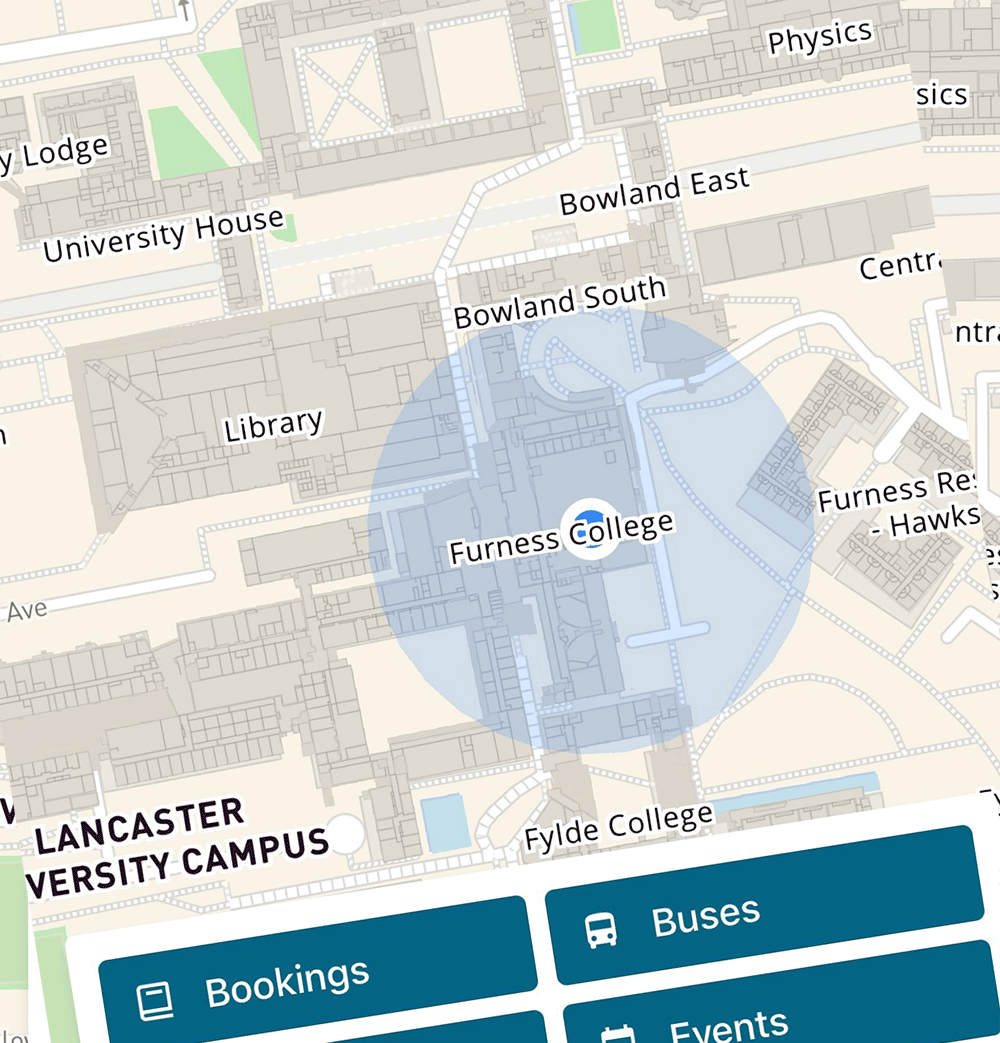
Maps screenshot

What Maps can do

  • Bookings: Book desks and spaces around campus. Select specific times and dates for your booking, filter them, e.g. A desk with a window and a PC. View and cancel any bookings you have made

  • Explore Map: Familiarise yourself with locations around campus. Zoom in and out of buildings and rooms, and search for specific locations.

  • Buses: Locate the different bus stops around campus, see the live times for different buses. Favourite bus stops you might use regularly.

  • Laundry: See availability of washers and driers in that location. You also have the option to favourite the ones you use the most.

  • Outlets: See opening times for the different restaurants, cafes and shops around campus, View opening and closing times and get an idea of what’s on offer. You can also favourite any outlets you prefer.

Give us your feedback about iLancaster so we can make improvements and developments.

Give feedback

Post your ideas for new features in iLancaster, and vote for your favourite ideas.

Suggest a new feature